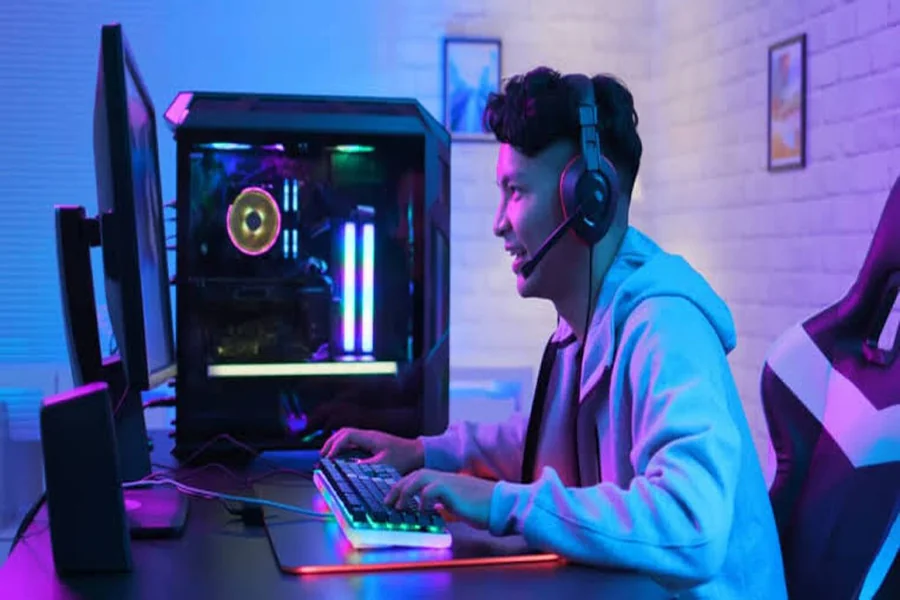
Bold claim: your first fifty videos matter more than your first camera. Plenty of people delay starting a slot YouTube channel because they think they need a fancy microphone, a powerful editing PC and a professional studio. They don’t. What they need is a way to record, a willingness to learn editing basics, and enough patience to publish consistently while the channel finds its feet.
This guide focuses on edited video content rather than live streaming. It covers recording, editing, thumbnails and posting rhythm, all on a modest budget.
Video vs Live Streaming
Streaming and video creation are related but very different skills.
- Live streaming rewards personality, consistency in real time and chatting with viewers as things happen.
- Edited videos reward planning, pacing and editing. You can cut boring moments, add context and polish the final result.
Videos also keep working long after you publish them. A helpful guide or entertaining highlight can keep attracting viewers through search and recommendations for months or even years.
Many creators do both eventually, using streams to build community and videos to reach new audiences. Starting with videos is a great choice if you’re shy on camera or can’t commit to a fixed live schedule.
Recording Gameplay for Free
You probably already own the tools you need.
Built-In Recording
Most consoles and many PC graphics software packages include built-in recording or clip-saving features. They’re simple and usually have little performance impact.
Free Recording Software
Popular free PC recording programs offer flexible settings, multiple audio tracks and overlays. They’re powerful enough for most creators for years.
Audio First
If you only upgrade one thing, make it your microphone. Viewers forgive slightly soft video, but they quickly click away from muffled or noisy voices. Even an affordable USB mic placed close to your mouth makes a big difference. Recording in a quiet room with soft furnishings helps too.
Recording Tips
- Record game audio and your voice on separate tracks if possible, so you can balance them later.
- Check your storage. Gameplay recordings take up a lot of space.
- Do a short test recording before every long session.
Editing Basics That Matter
Editing turns raw footage into something people want to watch. Free editing software is capable enough for a beginner gaming YouTube channel. Focus on a few fundamentals:
- Cut the dead time. Loading screens, menu browsing and long quiet stretches can usually go.
- Start strong. The first few seconds decide whether viewers stay. Open with the most interesting moment or a clear promise of what’s coming.
- Keep a steady pace. Quick cuts during action, a little breathing room during explanations.
- Balance audio. Your voice should be clear over slot sound.
- Add simple text or zooms to highlight important moments, but don’t overdo effects.
Honestly, my early videos were painfully long because I couldn’t bear to cut anything. Watching them back a month later, I skipped half my own footage. If you’d skip it, viewers will too.
Editing gets faster with practice. Your first video may take an entire weekend. By your twentieth, you’ll be much quicker.
Thumbnails and Titles
Thumbnails and titles decide whether anyone clicks. Even a great video struggles if its packaging is weak.
Thumbnail Tips
- Use a clear, bold image readable at small sizes on phones.
- Limit text to a few large words, or none at all.
- Show emotion or a striking moment from the video.
- Use high contrast so it stands out among other thumbnails.
- Keep a consistent style so returning viewers recognise your videos.
Title Tips
- Be clear about what the viewer gets.
- Include terms people actually search for in guide-style videos.
- Create curiosity without misleading. Clickbait that doesn’t deliver damages trust.
Free design tools and templates make thumbnail creation easy, even without design experience.
Building a Posting Rhythm
Consistency helps both viewers and recommendation systems understand your channel.
- Choose a realistic schedule, such as one video per week, that you can maintain for months.
- Batch your work by recording several sessions at once and editing in advance.
- Focus on a niche early, like guides for one game, funny moments, or reviews of a genre.
- Study your analytics. Watch where viewers stop watching, and improve those sections next time.
- Engage with comments to build a small community around your gaming YouTube channel.
Short vertical clips can help too. Cutting your best moments into short videos can introduce new viewers to your longer content.
Growth usually starts slowly. Many successful creators posted dozens of videos with few views before something clicked. Each video teaches you something, even the ones that don’t perform.
Also respect copyright. Gameplay is often allowed under publisher policies, but music and other content may not be. Check guidelines for the games you cover.
FAQ
What equipment do I need to start a gaming YouTube channel?
A way to record gameplay, a decent microphone and free editing software are enough. Upgrades can come later as the channel grows.
How often should I upload gaming videos?
Choose a schedule you can keep, such as weekly. Consistency matters more than uploading frequently for a short time and then stopping.
Should I focus on one game or many?
Starting with one game or niche helps viewers and recommendation systems understand your channel. You can expand once you have an audience.
Starting a gaming YouTube channel is less about gear and more about habits. Record clearly, edit ruthlessly, package your videos well and keep posting. Your fiftieth video will be far better than your first, and you’ll only get there by publishing the first one.